Mobile work spans more than one request or screen
The company intranet combines Home, Messenger, and Work tabs with mail, approvals, schedules, documents, and organization information. Slow requests and notification launches can expose data from different moments.
I worked on preserving readable state, opening the correct destination from notifications, and preventing partial failures or late responses from looking like successful current results.
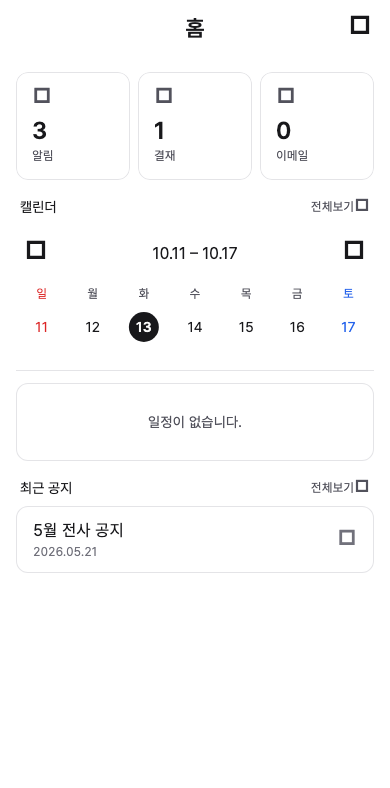
Make data sources and completion states explicit
Cache first, then replace with the network result
The mail inbox paints its local SQLite snapshot before receiving live data. Cache-only and network reads are separate so the user starts with readable content and the same screen can then receive the latest result.
Route notifications into their actual context
I connected mail and approval notifications to their detail screens, including launch-time routing. FCM token rotation re-registers the token, and channel mute state is reflected while connected.
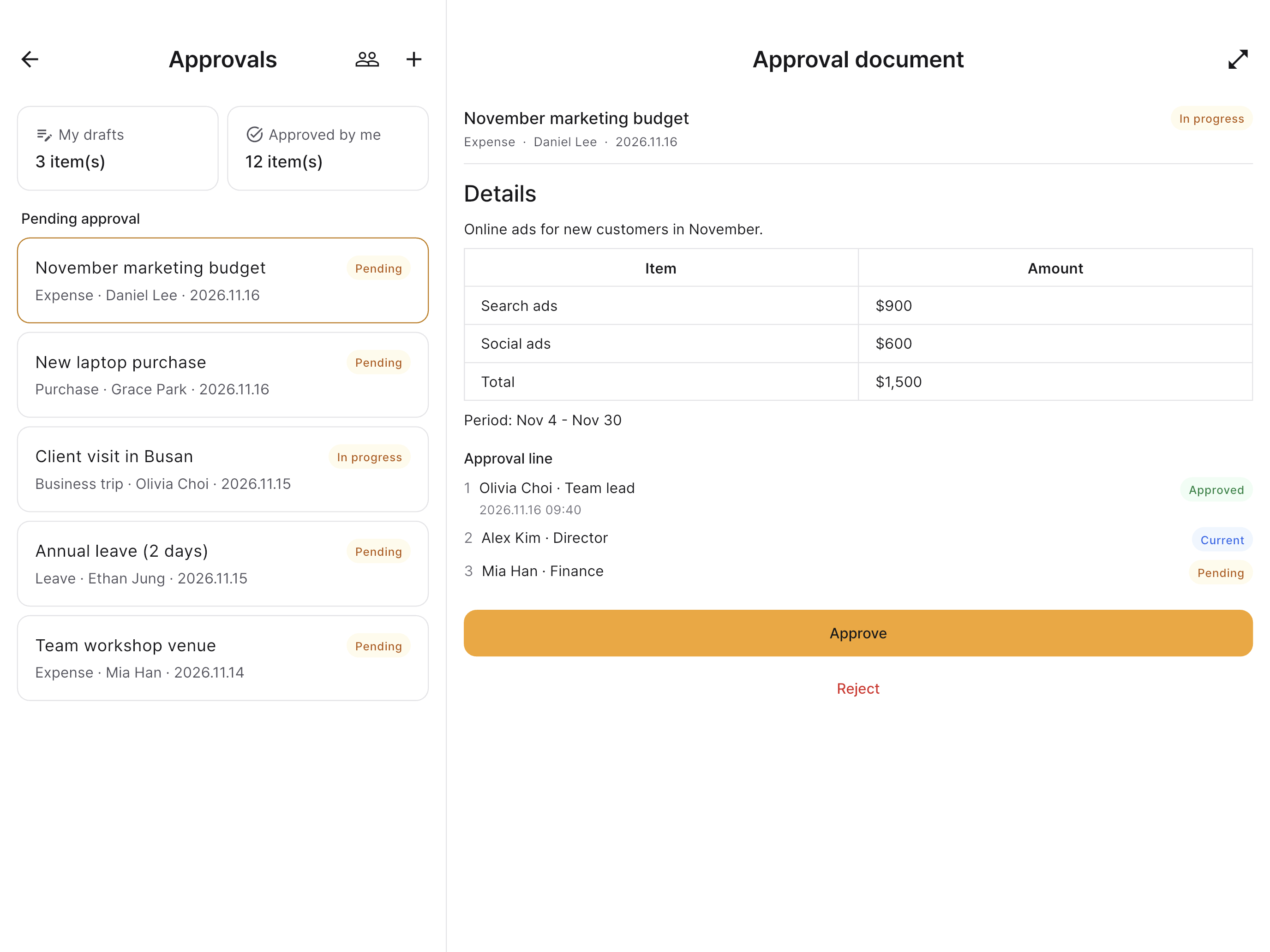
Distinguish partial failure and stale responses
Mail and approval batch actions distinguish transport failures, partial success, and duplicate results. Late responses are discarded after page changes instead of replacing the current list.
Track watched segments and resume from server progress
I connected course and lesson screens with API and domain layers for video, quiz, and other lesson types. Video tracking reports the intervals actually watched, so seeking forward does not count the skipped interval. The completion control follows the watch requirement returned by the server.
Watch requests run one at a time. Recoverable failures return intervals to the next transmission with bounded retries. Closing the screen waits for any in-flight report before sending pending intervals; this does not guarantee delivery if the app is forcibly terminated.
I carried lastPositionSec through the response and domain model to both the native video player and YouTube path. Reopening a lesson restores the saved position, and the interface updates completion from the server-confirmed result.
More predictable behavior around everyday interruptions
Mail opens from the local cache and updates when the server responds. Notifications go straight to the relevant mail or approval document. Batch actions report the outcome for each item, and the training player resumes at the position saved by the server.
Resources and links
- Mobile work
- Access internal mail, approvals, and schedules on mobile
- Notifications
- Open the relevant work item directly from a notification